Kentik
Kentik#
Overview#
The ML Pack for Kentik links to Kentik's REST API to pull network device performance data, flow analytics, and synthetic test results. This integration delivers comprehensive traffic pattern analysis, anomaly detection, and network performance insights while correlating findings with data from other monitoring sources.
Configuration#
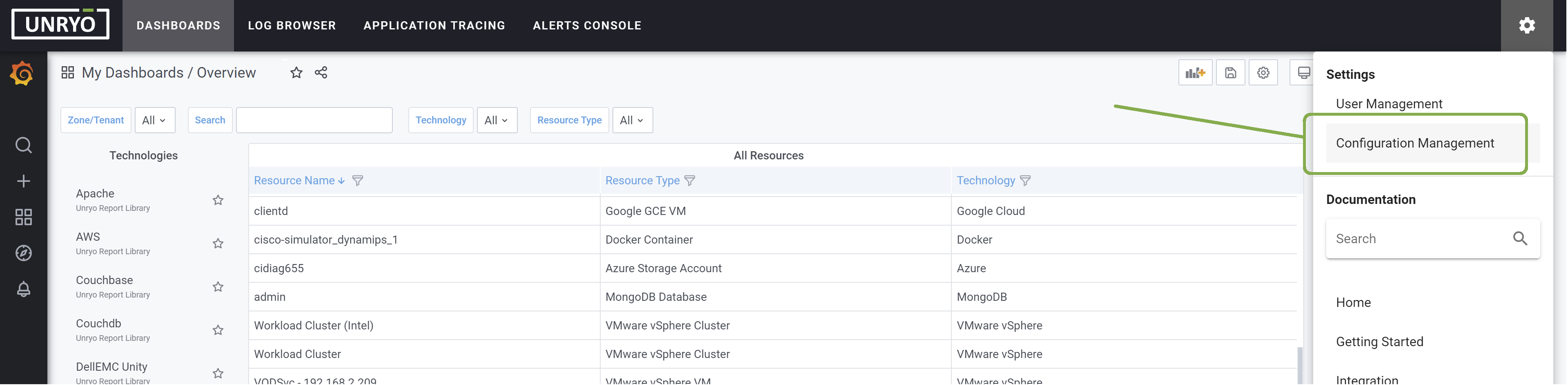
Go in Configuration Management.
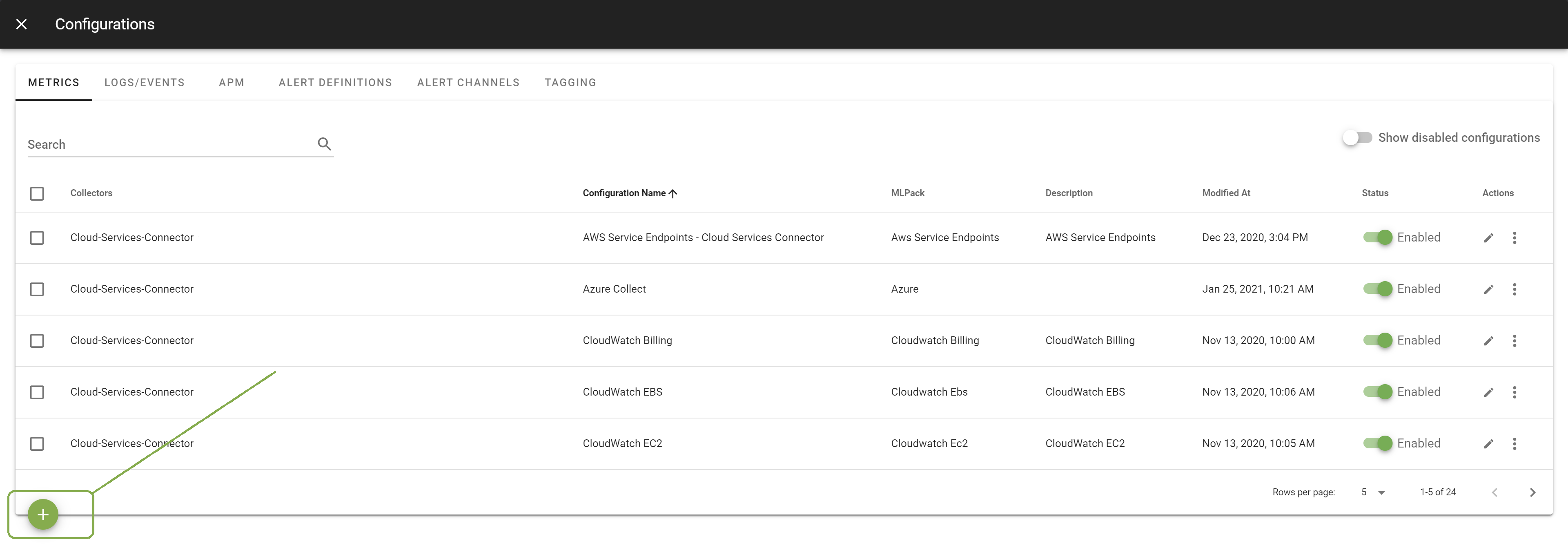
Click on the + button to add a new configuration.
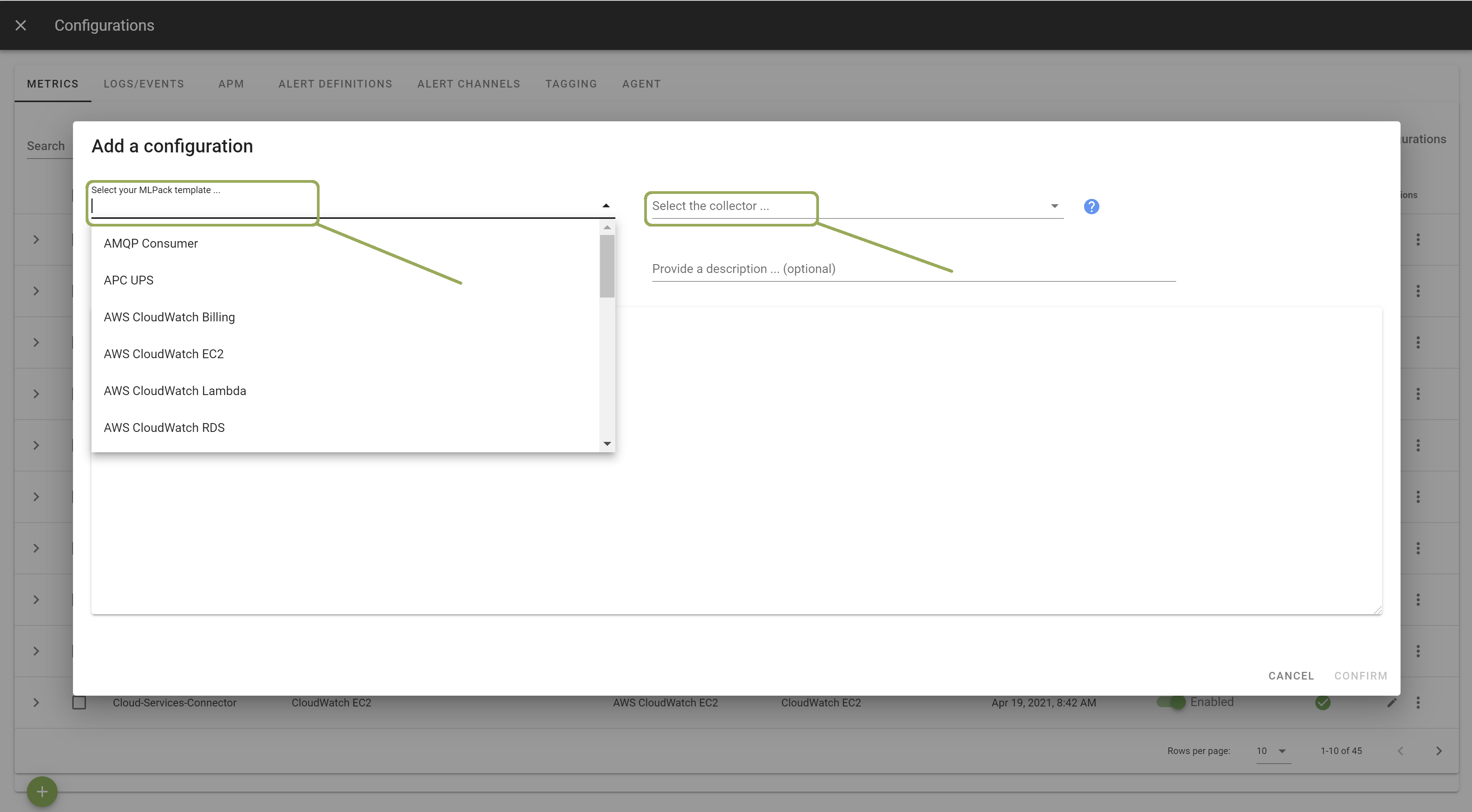
Select the template Kentik. Select the Collector on which you want this configuration to be deployed; and provide a Configuration Name that is meaningful for you. The Description is optional.
In the template, enter the correct settings for your device(s). Other configuration options are possible. Browse the template to discover them.
Once done, click Apply to start the monitoring.
See Also#
- Customize SNMP Polling.
- List of Supported Integrations.